
🎁 Gifts
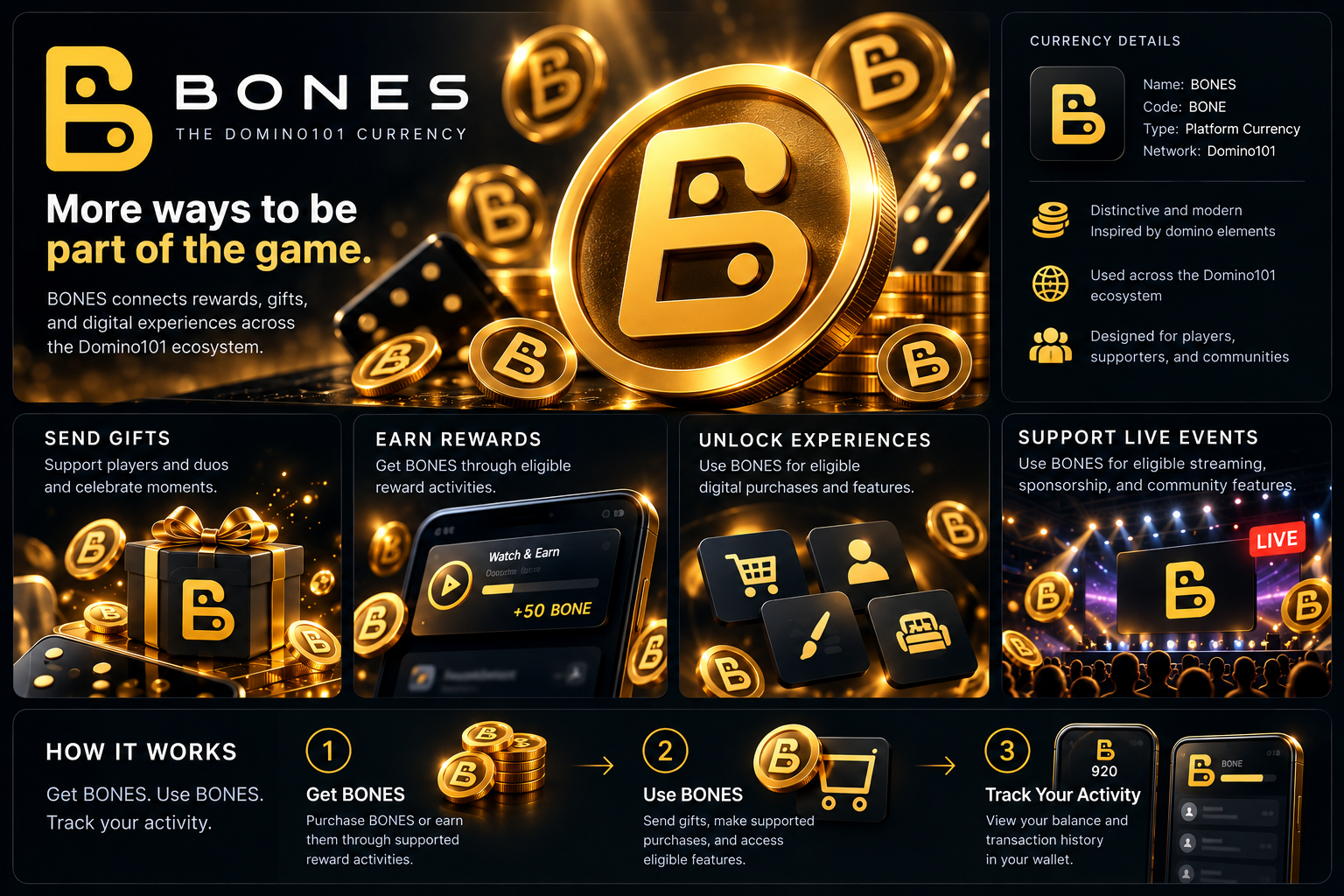
Send supported gifts to players or duos and mark a moment in the community.
The Domino101 currency
Meet BONES, the Domino101 platform currency for rewards, gifts, and digital experiences. Make your participation count across a connected domino community.

BONES is Domino101's platform currency. Player Bones are one wallet for supported rewards, gifts, and digital experiences. What you can do with them depends on the product you are in.
These are the uses that exist today. A feature has to support Bones in that product before you can spend or earn them there.
Send supported gifts to players or duos and mark a moment in the community.
Receive Bones from eligible reward activities, including a Watch & Earn ad when that offer is live.
Use Bones for supported digital purchases, including network shop items in online play.
Spend Bones on stream tickets and viewing when a session charges them, and take part in sponsorship that uses Bones.
Add Bones with a supported card or bank top-up, confirm a membership, or receive them from an eligible reward such as a live Watch & Earn ad or an online-play reward.
Spend them on eligible gifts, purchases, and platform experiences that accept Bones.
Each movement is recorded on your player wallet, including top-ups, gifts, rewards, and cash-out.
Live for gifts, top-up, Watch & Earn when an ad is live, stream tickets, and player cash-out after you sign in.

Live for your Bones balance, network shop items, rewarded ads, and online-play rewards.
These products do not spend Bones. Running a season or a score table is separate from the wallet.
You can get Bones from a supported top-up or from an eligible reward. You can spend player Bones on gifts, supported purchases, and live experiences that accept them. Club Bones from stream admission and sponsorship stay with the club. They cannot be spent or cashed out.
Top-up fees and the platform markup reduce the amount that is turned into Bones. Cash-out uses a different rate and a commission. The figure on your balance is not a cash amount. Purchasing value and estimated cash-out are calculated separately, and the wallet shows both before you pay or withdraw.
The example below uses the current Platform Settings. If those settings change, the wallet shows the live breakdown before you commit.
BONES is the Domino101 platform currency. The code is BONE. Player Bones are one wallet.
Sign in and confirm a membership, or top up with a supported card or bank payment. Eligible rewards, including a live Watch & Earn ad and some online-play rewards, can also add Bones.
Only from reward activities that are actually offered, such as a rewarded ad that is live or an online-play reward. Not every purchase earns Bones, and a reward is not guaranteed.
Supported gifts, network shop items in online play, and stream tickets or viewing when that session charges Bones.
You can send a supported gift to a player or a duo. That spends Bones from your wallet. It is not a free transfer of your whole balance.
A Domino Player can cash out player Bones. Club Bones cannot. The wallet shows the estimated cash-out before you confirm.
Purchasing value follows the top-up rate. Cash-out follows the buy rate minus commission. Read both figures in the wallet before you withdraw.
On your player wallet after you sign in. Each credit and debit is stored with a transaction type, including Bones Top-up, Gift Purchase, and Ad Reward.
Open your profile and confirm a membership to start with Bones.